 Feedback
A reference board app for Mac that floats on top
Artists and designers keep reference images open while they work. A reference board app keeps them together and in view, without hunting through windows.
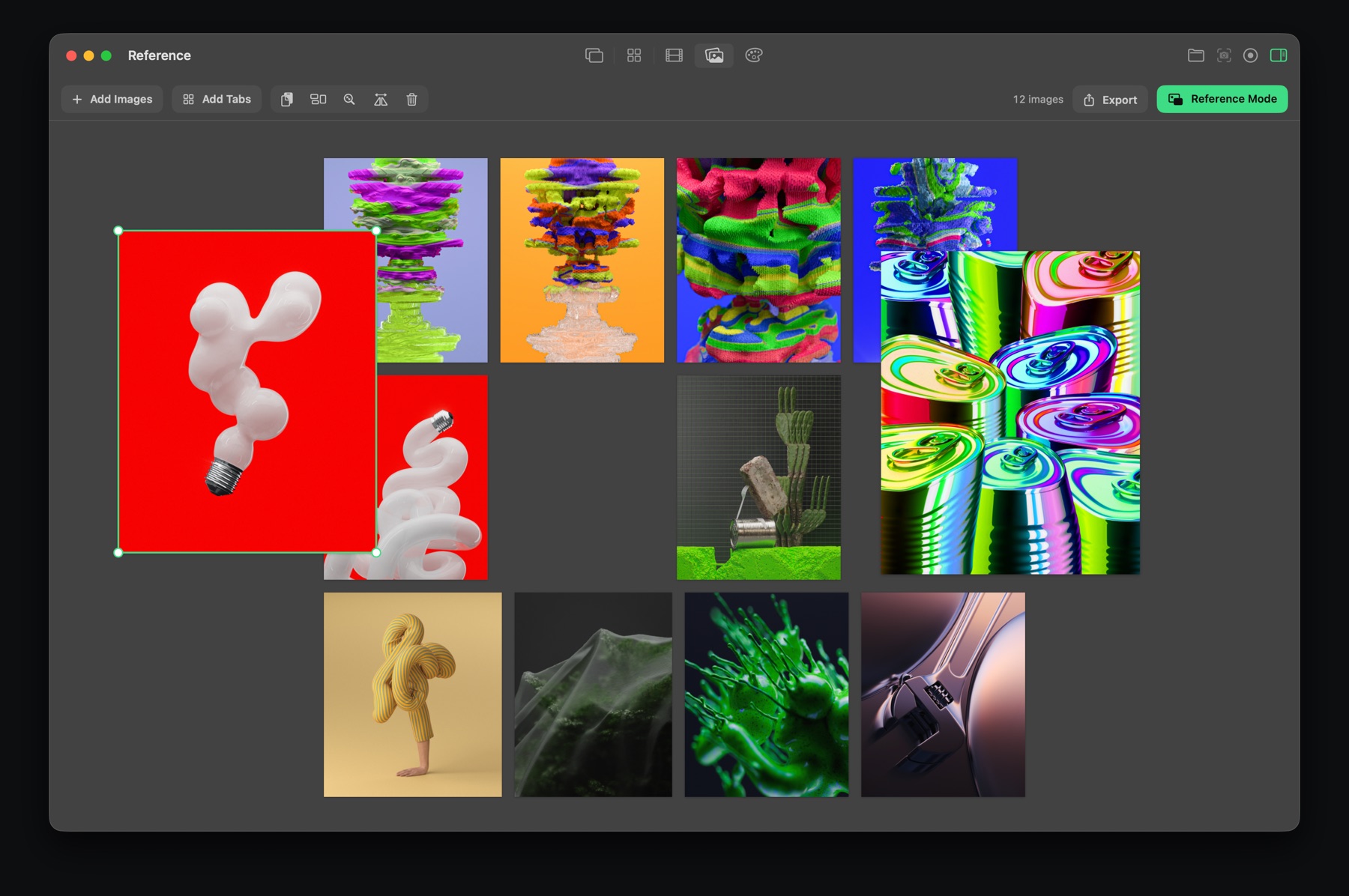
What a reference board does
It's a canvas for images: drop them in, move and resize them, and keep the board next to your work. If you've used PureRef or a mood board tool, it's the same idea.
Reference in Feedback
- Drop images in from Finder or a browser, or send any screenshot to the board.
- Arrange freely: move, resize and overlap images.
- Reference mode (⌥⌘R) turns the board into a floating window that stays above every app.
- Opacity lets you see through it, and click-through lets you keep working in the app underneath.
Export a mood board
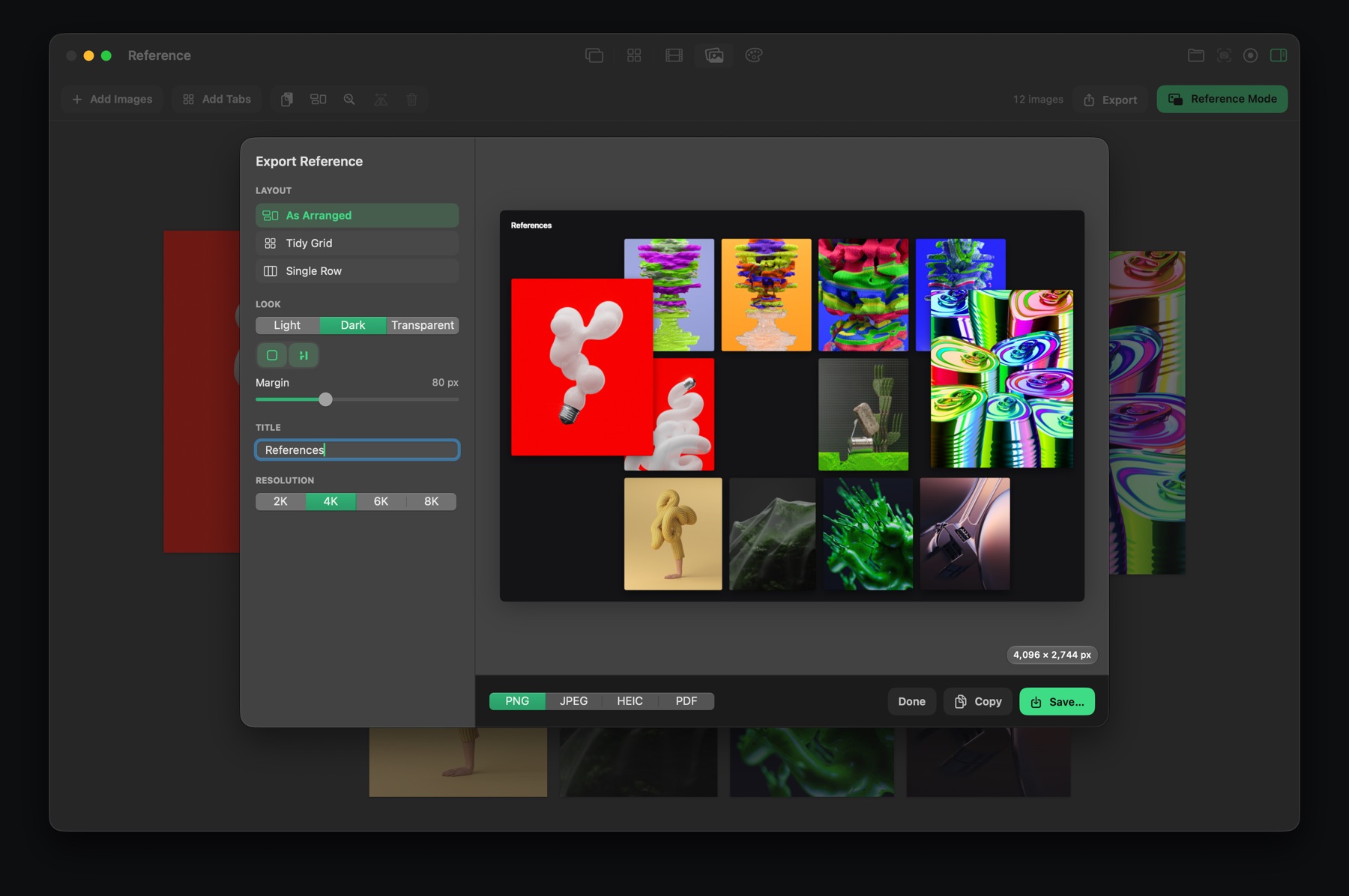
Export the board as one image, as arranged, as a tidy grid or as a single row, in a light, dark or transparent look, at up to 8K. It's a quick way to share a mood board with a team or client.
Reference is part of Feedback Pro, with a free 7-day trial.

Feedback for Mac
Screenshots, markup, screen recording, GIFs, storyboards, reference boards and color palettes in one small, fast app. Free to download.
Download on the Mac App StoreQuestions
Is there a PureRef alternative for Mac?
Feedback includes a reference board that floats above other apps, with opacity and click-through, and exports mood boards as images.
How do I keep reference images on top of other apps on a Mac?
Use an app with an always-on-top board. In Feedback, press Option-Command-R to float the reference board above every app.